
How to send an e-book to a reader
Tips
Sending to PocketBook - Send to PocketBook
PocketBook readers support sending e-books directly to the reader using Send to PocketBook.
You only need to register and create an account to get an address where e-books can be sent.

1. How do I register for Send to PocketBook?
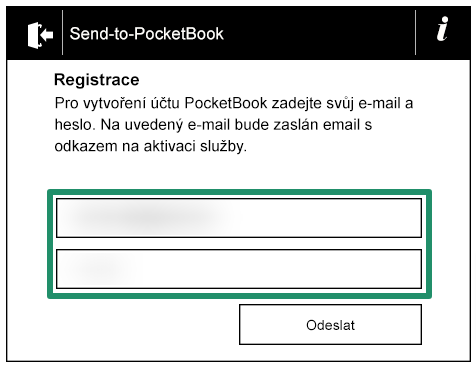
You can find registration in your PocketBook reader in the Send-to-PocketBook section (Settings -> Accounts and synchronization -> Send-to-PocketBook). Fill in the email address and password to create the account.
Then confirm registration by clicking the link in the email message.
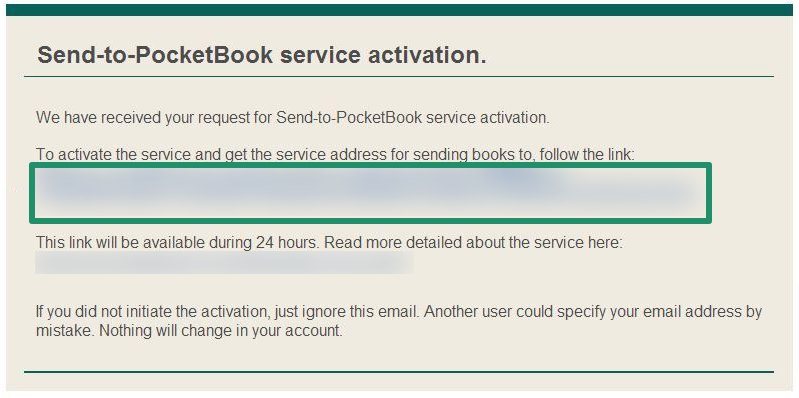
After successful confirmation, you will receive a special email address that can be used to send e-books directly to your reader. Then set this address in Miguel for sending e-books.